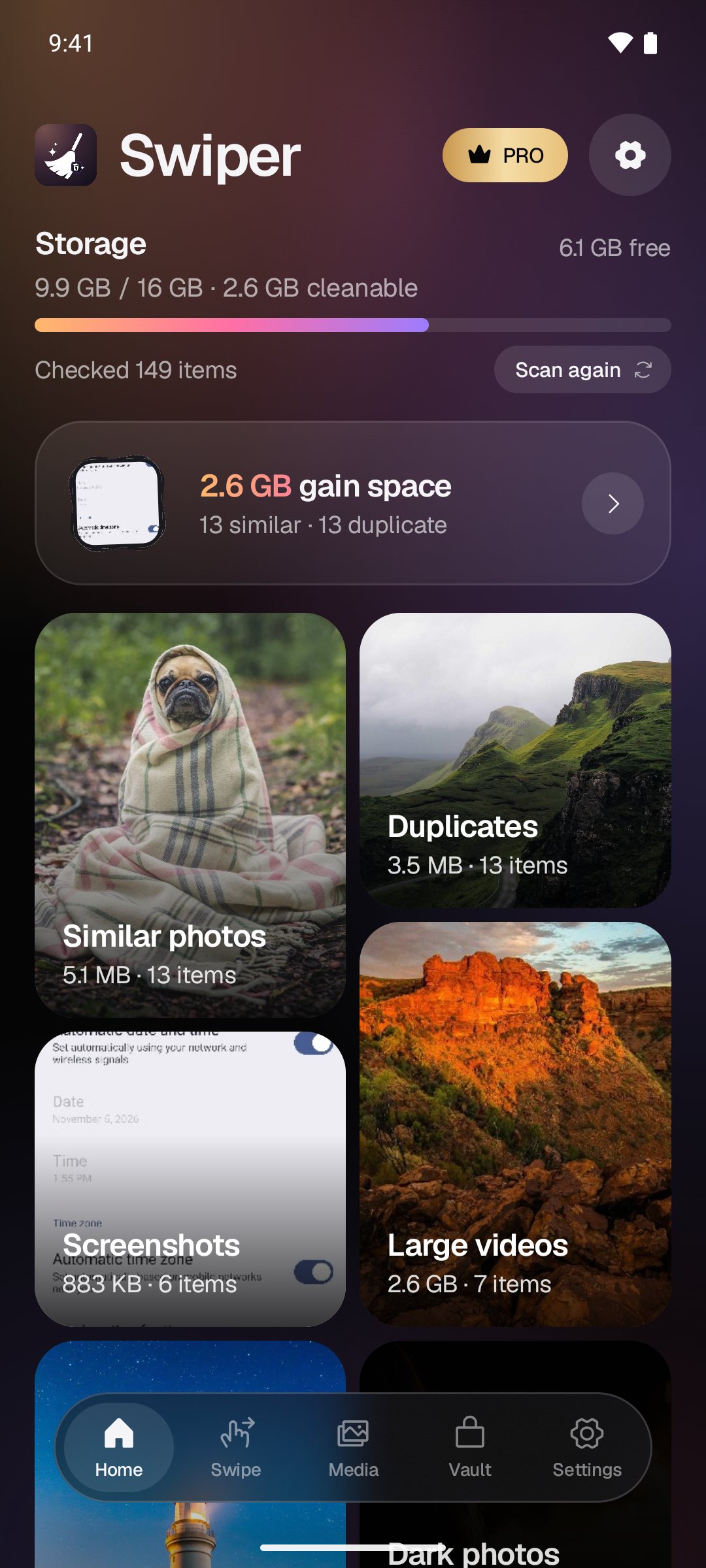
See what's taking your space
One scan sorts your library into similar photos, duplicates, large videos, screenshots, bursts, blurry and dark shots — with the space each one frees, filling in live while it runs.

Swipe the clutter. Keep the memories.
Find duplicate and similar photos, big videos, screenshots, blurry and dark shots in seconds — then swipe, select and clear them. Everything is checked on your phone; your photos are never uploaded.
One scan sorts your library into similar photos, duplicates, large videos, screenshots, bursts, blurry and dark shots — with the space each one frees, filling in live while it runs.
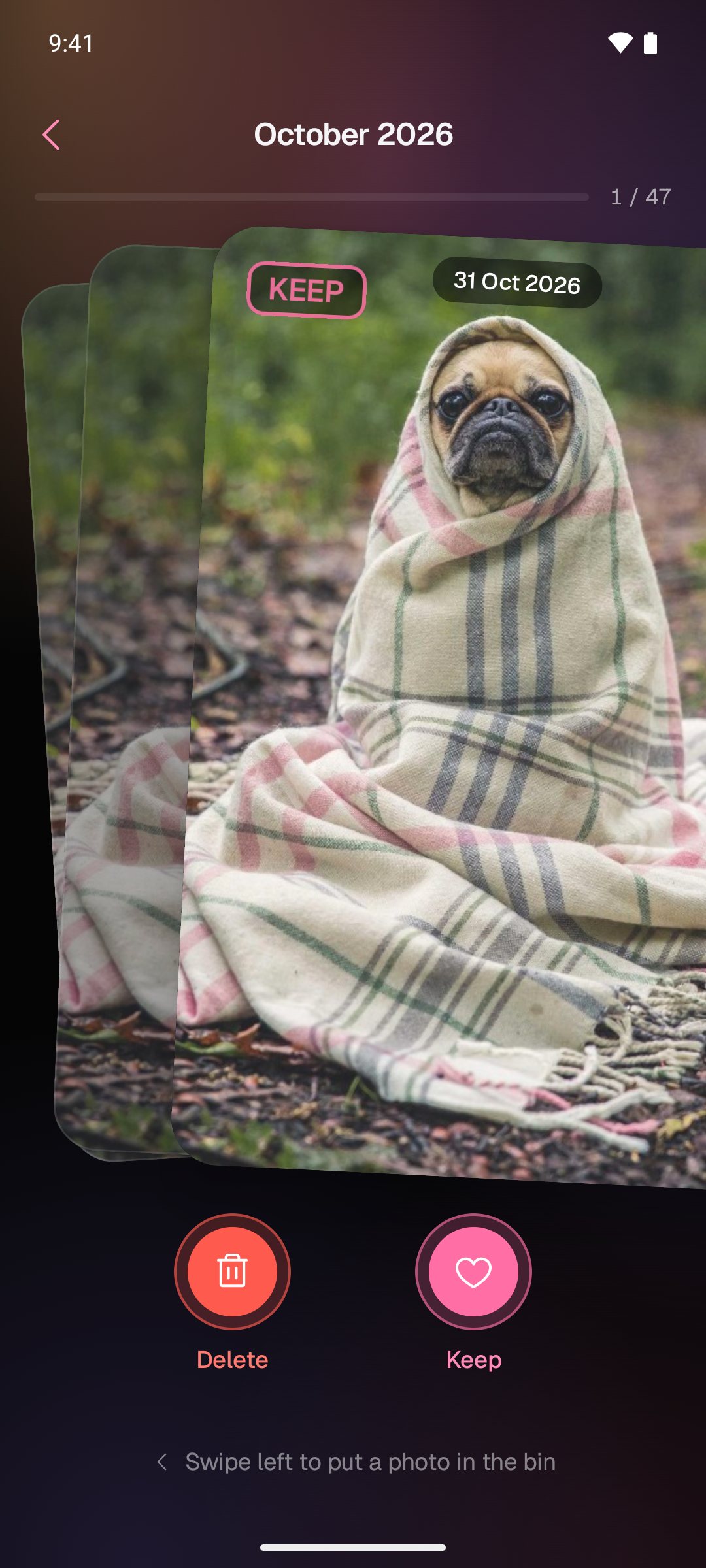
Go month by month and decide each photo with a swipe — right to keep, left to clear. Fast enough to tidy years of camera roll over a coffee.
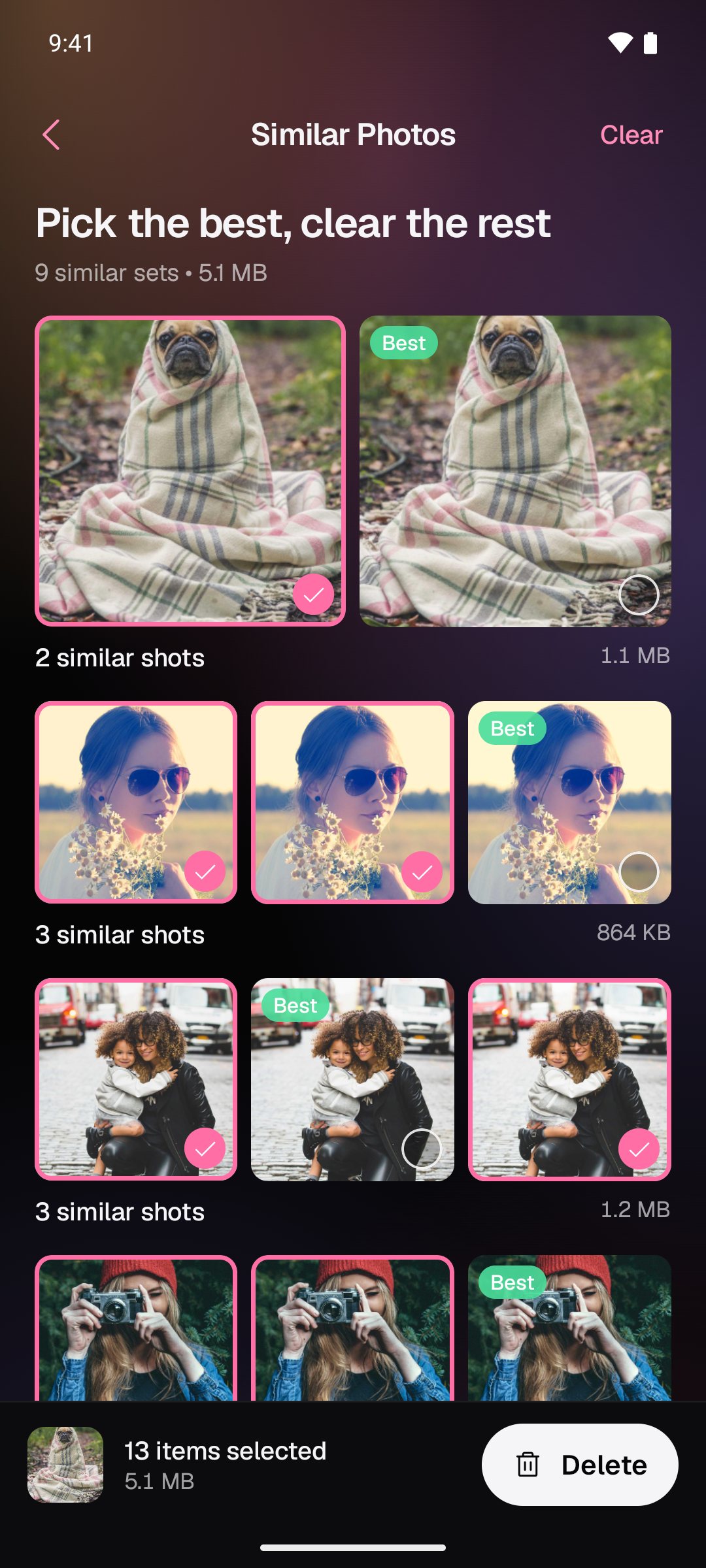
Back-to-back shots are grouped together and the sharpest is marked Best. Keep it, select the rest, and clear the whole set in one tap.
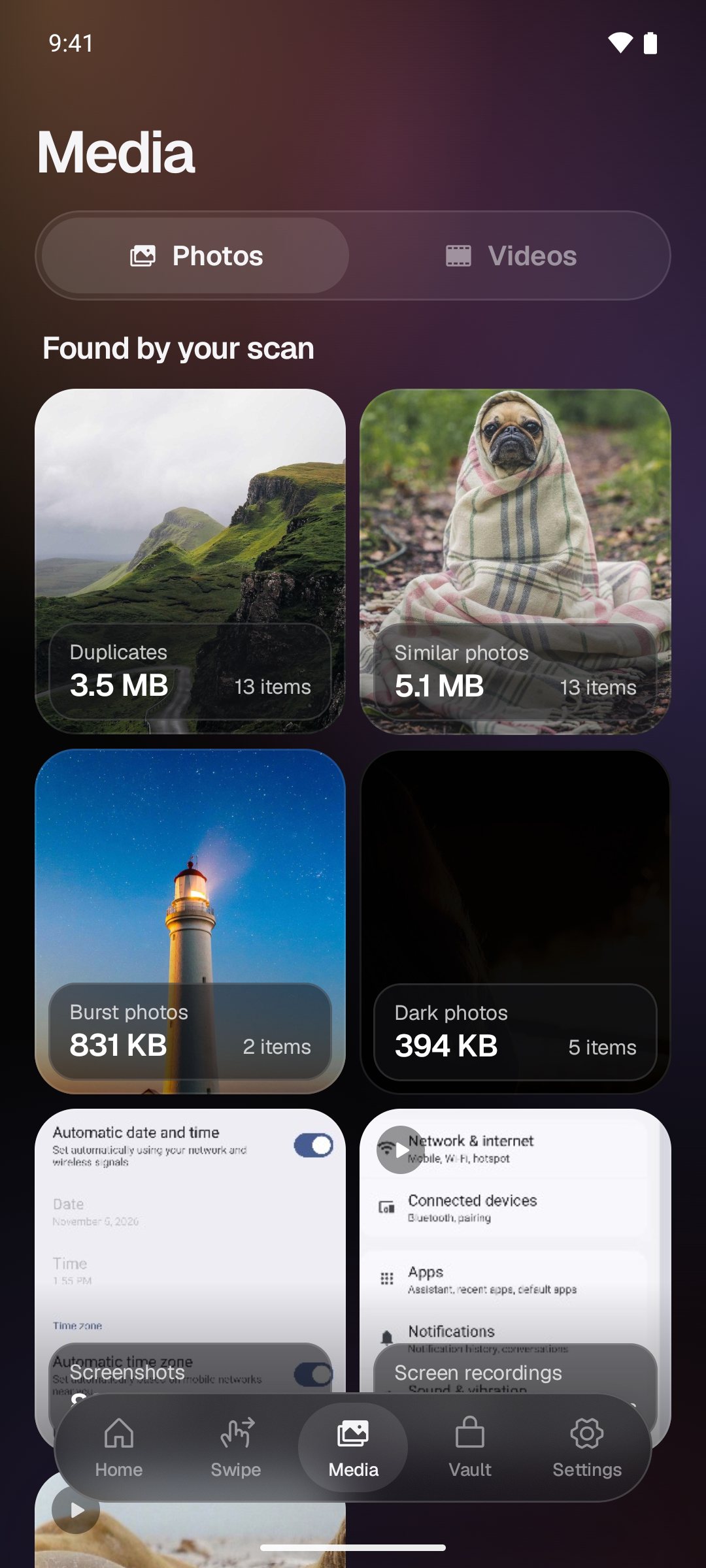
Exact copies, burst frames, blurry and pitch-dark photos, screenshots and screen recordings — each in its own pile, ready to review.
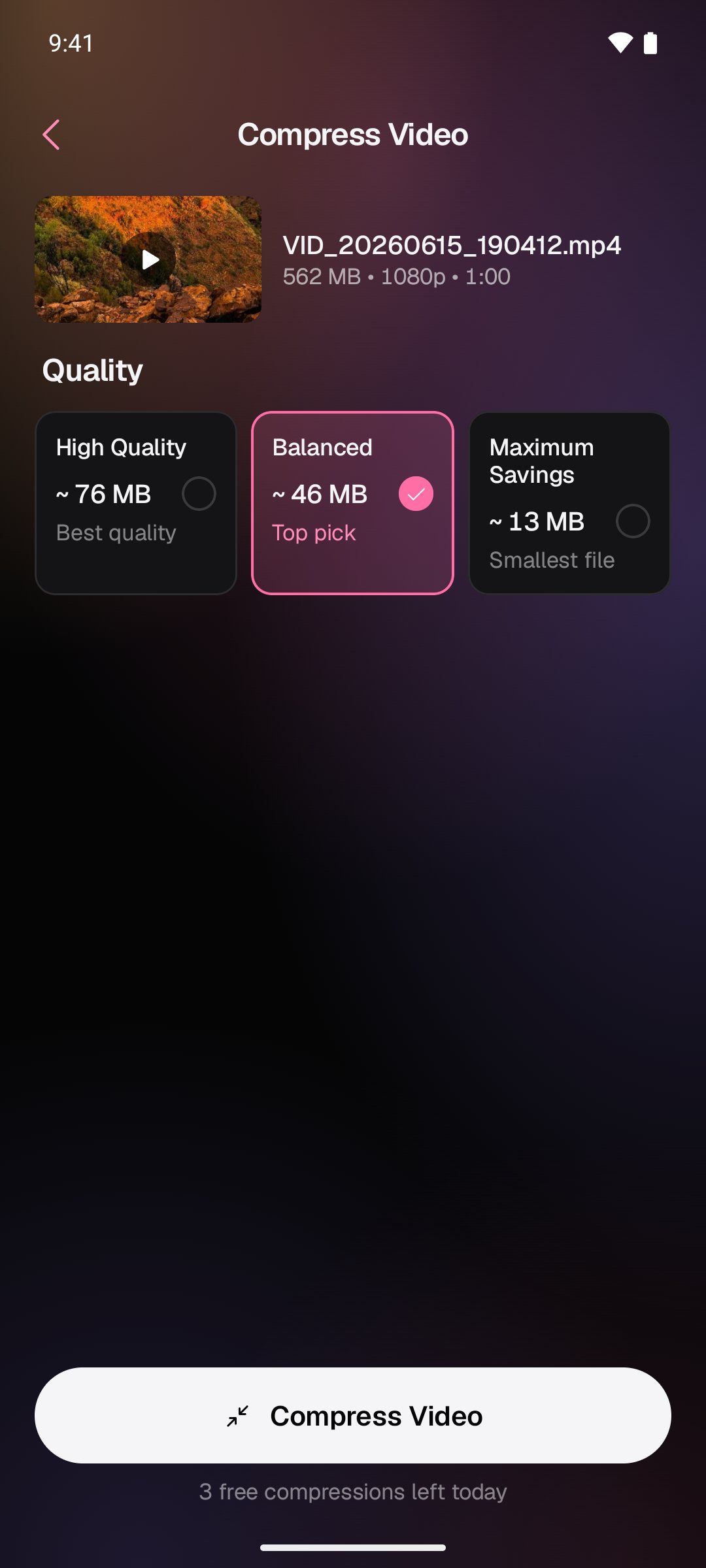
Pick a quality and see the new size before you start — a 562 MB clip can drop to around 46 MB. The compressed copy is saved to your library.
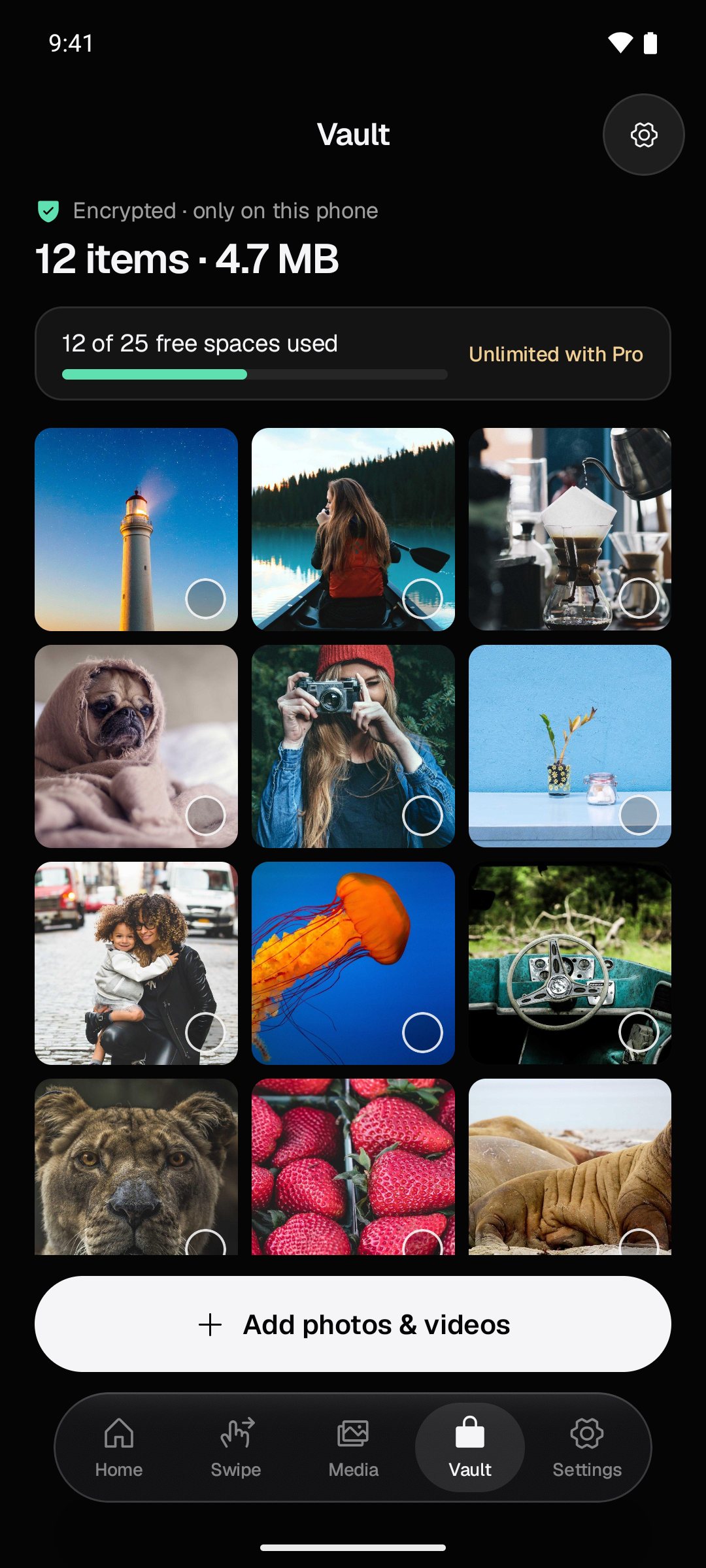
Move photos and videos out of your gallery into an encrypted vault, locked with a PIN, Face ID or fingerprint. It lives only on your phone.
Swiper scans your library on your phone — no account, no upload. Results appear while the scan runs.
Open any category, swipe through a month, or compare similar shots. Nothing is removed until you choose it.
Delete what you selected, compress big videos, or hide private photos in the vault. Deleted items go to Recently Deleted or the trash first.
No. Every check — duplicates, similar shots, blurry and dark photos, video sizes — runs on your phone. Swiper has no accounts and no cloud, and we never see your photos or videos. Only anonymous usage and crash data (which you can turn off) and ad-measurement events leave the app, as the privacy policy explains.
Scanning, reviewing, swiping and selecting are free. Deleting in one tap and an unlimited vault and video compression are part of Swiper Pro, a weekly or yearly subscription. The weekly plan includes a 3-day free trial, and the price is always shown before you confirm.
Yes, for a while. Swiper uses your phone's own delete, so removed items go to Recently Deleted on iPhone or the trash in your gallery app on Android, where they can be restored for about 30 days.
The vault is stored only inside the app on your phone, so uninstalling Swiper erases it. Move anything you want to keep back to your gallery first.
Swiper is coming soon to the App Store for iPhone and iPad, and to Google Play for Android.
Swiper: Clean Phone Storage is coming soon to Google Play.