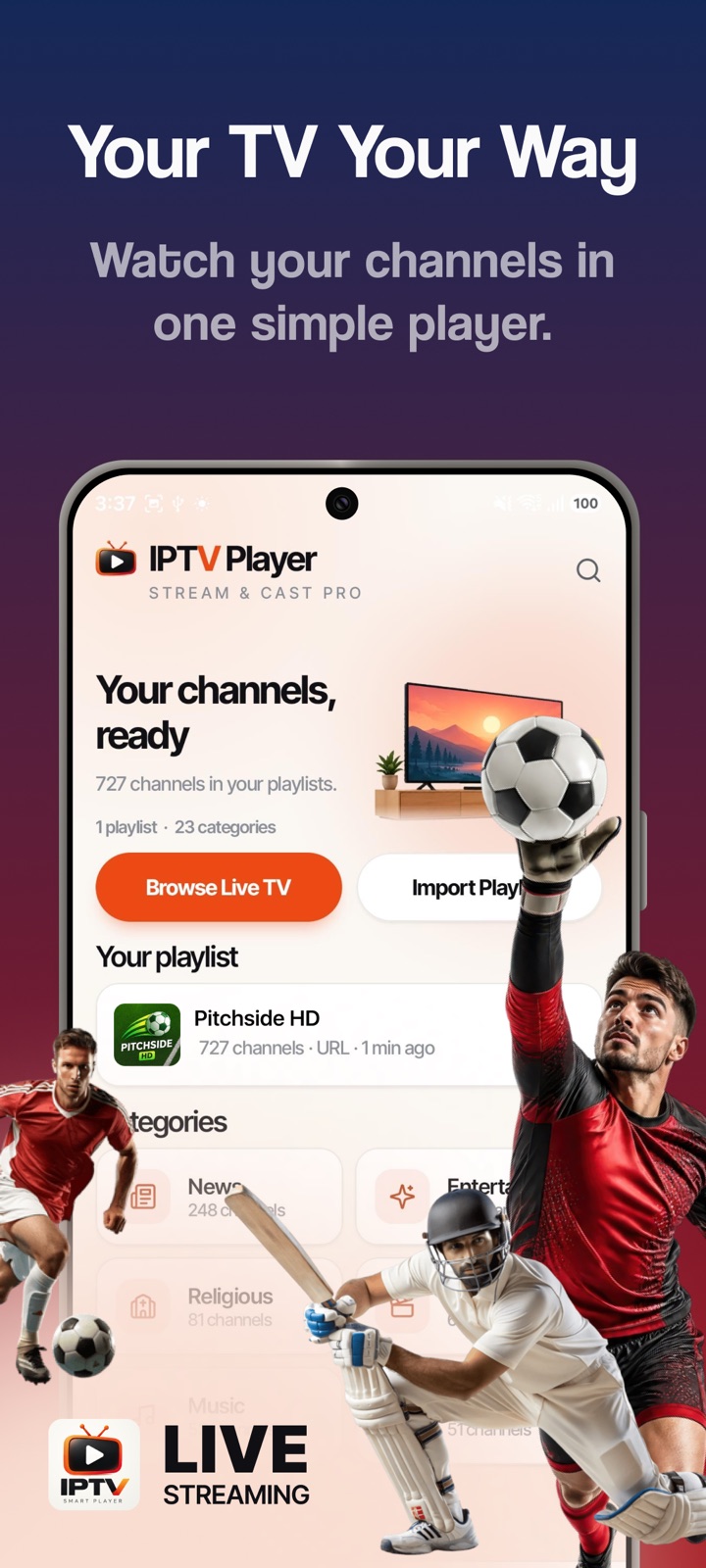
Your channels, ready
A clean home screen shows every playlist you've added, how many channels it holds, and your categories at a glance — News, Sports, Movies, Music, Religious and more.
Your TV, your way.
One simple player for all your channels — import any M3U playlist or Xtream Codes login, browse live TV by category, save favourites, and cast to the big screen. Handles 13,000+ channels without slowing down.
A clean home screen shows every playlist you've added, how many channels it holds, and your categories at a glance — News, Sports, Movies, Music, Religious and more.
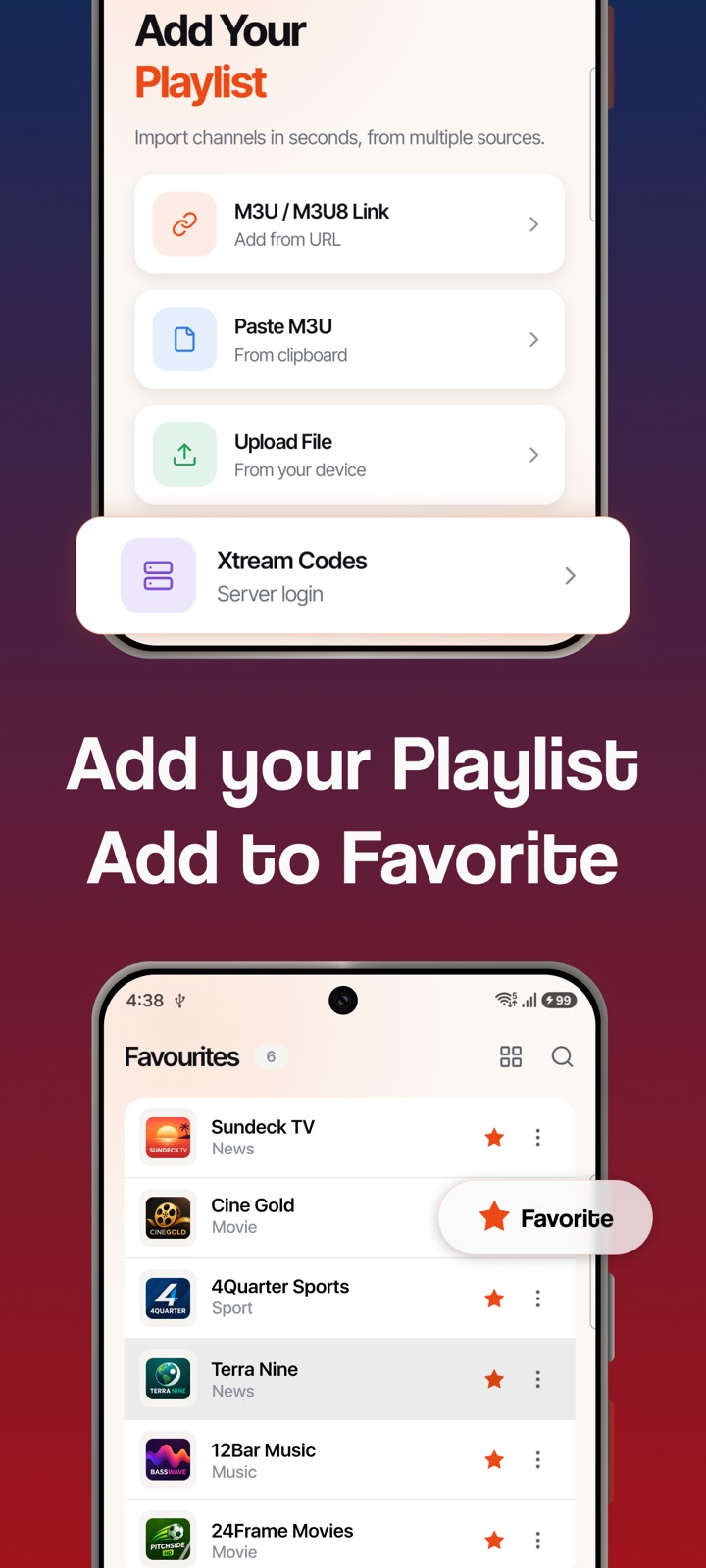
Paste an M3U / M3U8 link, paste playlist text from the clipboard, upload a file from your device, or sign in to an Xtream Codes server. Channels import in seconds.
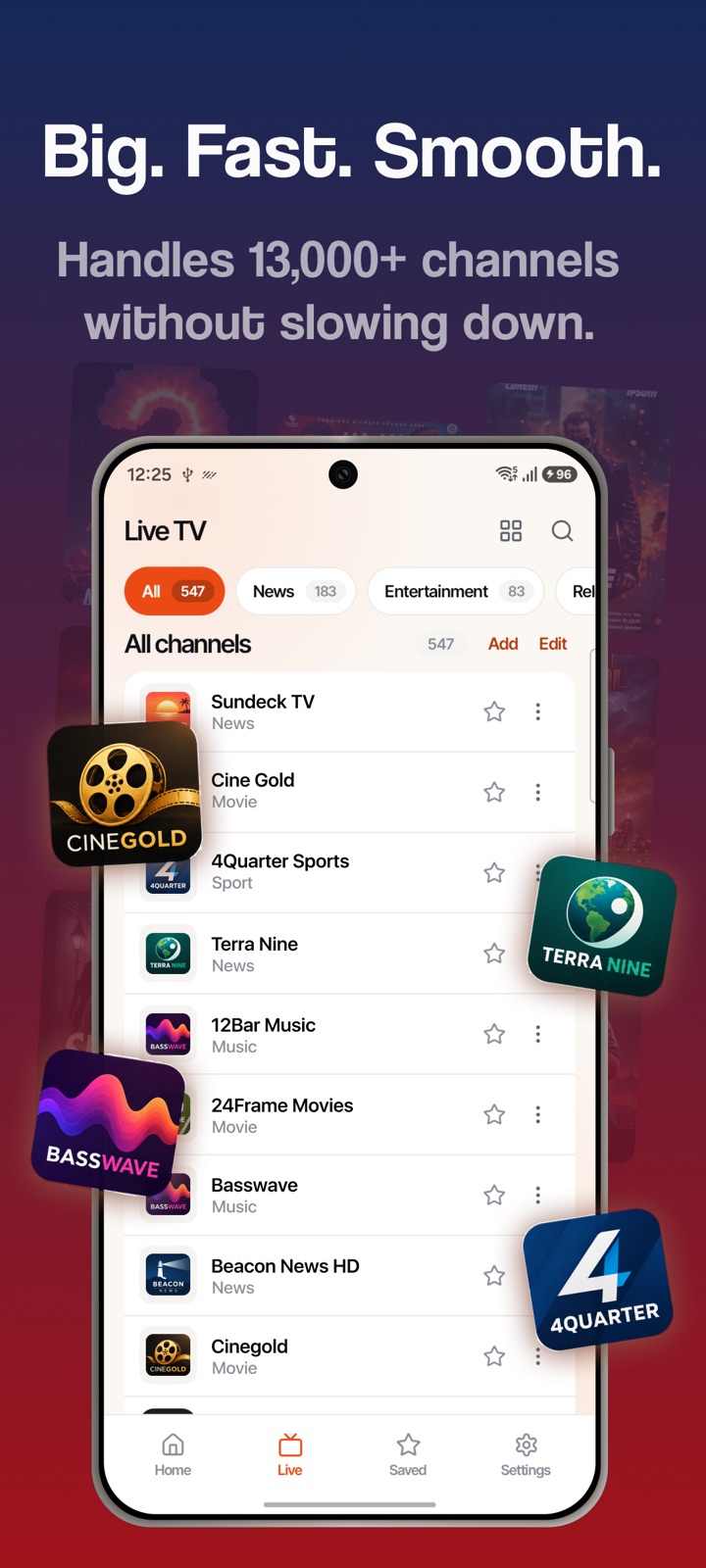
Built to handle 13,000+ channels without slowing down. Filter live TV by category, search any list instantly, and star the channels you keep coming back to.
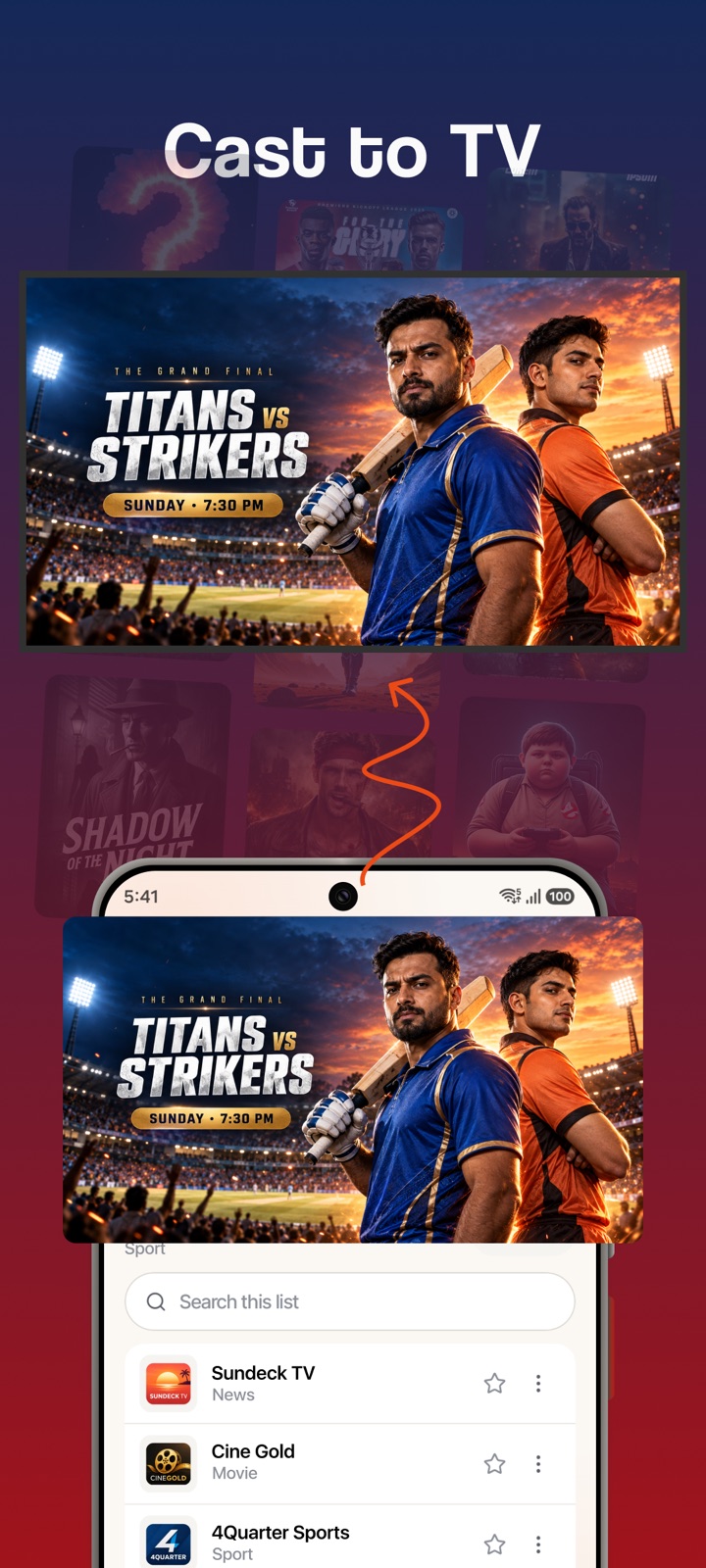
Watching on your phone is good; the match on your TV is better. Cast any stream to a Chromecast-enabled TV with one tap and keep browsing while it plays.
Add your provider's M3U / M3U8 link, paste or upload a playlist file, or log in with Xtream Codes. Your channels are organised into categories automatically.
Jump straight to News, Sports, Movies or Music, search any list, and star your favourites so they're always one tap away.
Play in a smooth, built-for-streaming player — or cast to your TV and watch on the big screen.
No. IPTV Player is a player, not a content provider. It plays playlists you already have — from your IPTV provider, a broadcaster, or a free public list — via an M3U / M3U8 link, a playlist file, or an Xtream Codes login. We don't supply, host, or sell any streams.
M3U and M3U8 playlists (by URL, pasted text, or uploaded file) and Xtream Codes API logins. Standard HLS, MPEG-TS and direct stream URLs play in the built-in player.
Yes. Any stream can be cast to a Chromecast-enabled TV or Google Cast device on the same Wi-Fi network with a single tap.
No. There are no accounts and no sign-up. Your playlists, favourites and settings are stored on your device.
IPTV Player is coming soon to Google Play for Android, with an iOS version planned to follow.
IPTV Player: Stream & Cast Pro is coming soon to Google Play.